How to Connect Domain to Blogger? Full Review 2025
How to Connect Domain to Blogger full tutorial is here for newcomers who want to learn blogger terminologies. Every new user can learn our complete guide about How to Connect a Domain to Blogger in this post.
Some new blogger has financial issues at the start and must have a doubt about earning online through blogging. This doubt is due to the many video watcher about blog learning and they don’t buy hosting and just buy a domain. After purchasing a domain, they need to connect the domain with the blogger to work perfectly. In the current guide, you can learn the different aspects of How to Connect Domain to Blogger.
What is Blogger and who owned it?
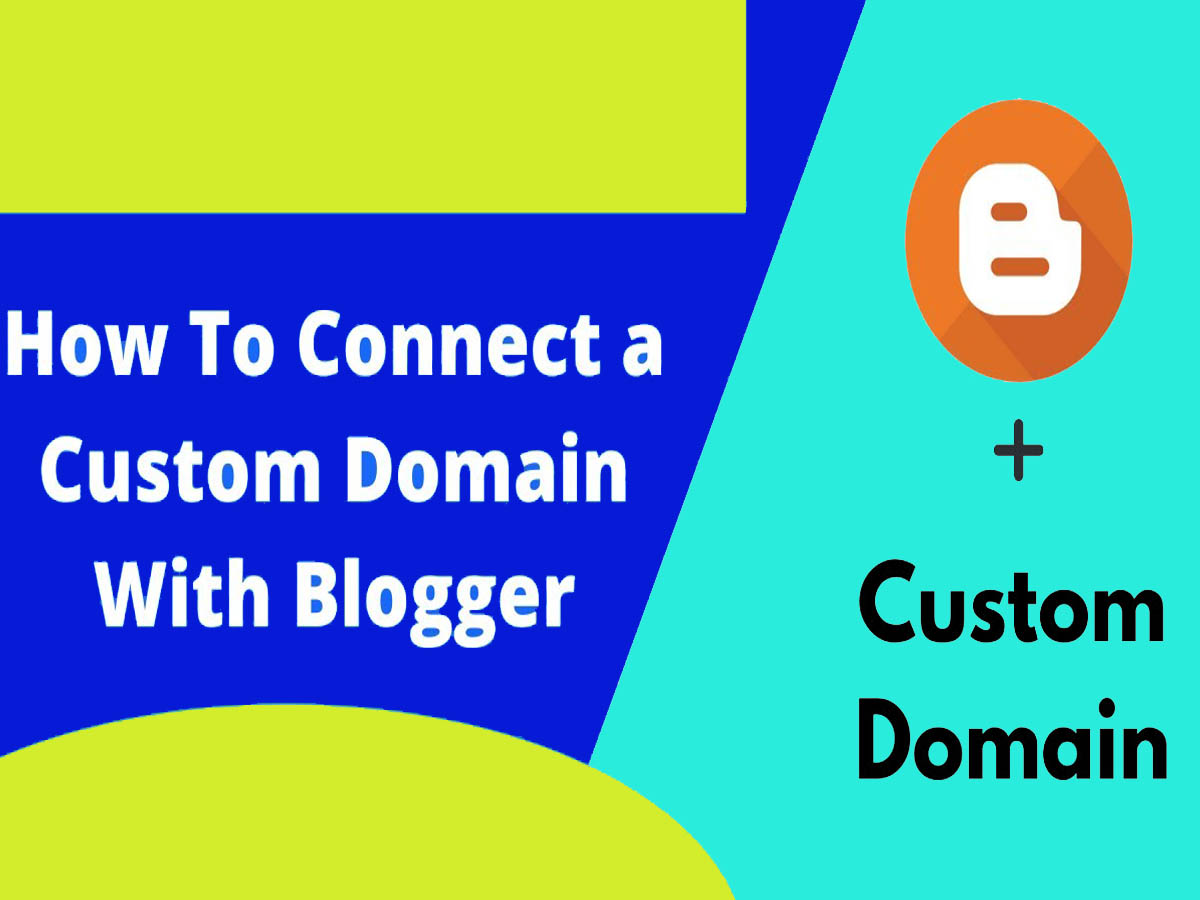
Blogger is a web-based platform that is completely free for bloggers to use to create and manage blogs. It was introduced in 1999 and Google purchased it in 2003. Blogger makes it simple for users to create and publish blog articles, alter the appearance and feel of their siteand communicate with readers through features like comments. Blogger is still owned by Google and is one of the most popular blogging platforms today.
Can we add a custom domain with blogger free?
Once you have the domain name, you can link it to your Blogger blog for free. You will need to buy the domain name from a domain registrar like GoDaddy, Namecheap, etc.
You must do this by following the procedures I explained in my earlier response about linking the domain to your blog.
How to Connect Domain to Blogger 2025?
Follow these steps to link a custom domain name to a Blogger blog: Purchase a domain name from a registrar like www.
- Sign in to your Blogger account and go to the Settings section of your blog.
- Click on the Basic tab and then on the “Publishing” section.
- Click the + Set up a third-party URL for your blog link.
- Enter the custom domain name you purchased in the Third-party domain field and click Save.”
- Go to your domain registrar’s control panel and add the two CNAME records provided by Blogger.
- Wait for the changes to propagate (it can take up to 48 hours).
- Once the changes have propagated, go back to your Blogger “Publishing” section and click the Save button again.
Your custom domain should now be successfully connected to your Blogger blog!
Conclusions:
Hope, you have successfully connected your domain with a blogger, if you face any trouble in connecting your domain to a blogger, feel free to contact and comment us below. We will fully guide you about How to Connect Domain to Blogger.

You may join us on Social Media:
- Join us on our Facebook page:
- Join us on our Pinterest Page:
- Join Us on our Youtube Channel:
You may also like:
how to learn digital marketing
html sitemap
is binance still working in pakistan
is cryptocurrency a good investment
logo and topbar in wordpress
logo maker blogger script download
major cryptocurrencies trends
meta tags
safely buying and selling cryptocurrency
transfer usdt to wallet
web3 tech banking platform
what are the 4 types of cryptocurrency
working with footer in wordpress