How 2 Download file from technohadayat.com
To Download file from technohadayat is a very simple process. You are here on the page of how to Download the file into your computer. You are here because you are facing the trouble of Downloading the file. The process is very simple of Download file from technohadayat but sometimes it may be trouble for some users.
You can Download every file available on the website in almost the same method. You may face trouble once timebut it will feel very easy after Downloading. Let us discuss the method of file Downloading.
How to Download file from technohadayat.com
Let’s Download the file from the technohadayat website.
Click on the Download Link:
- To Download file from technohadayat, Click on the below or next in this line Download button to start the Downloading file into your system.
- The ad will be loaded; sorry for that but you can safely Download the software by applying the steps.
1. Fill Up the Captcha
There may be one screen appearing in front of you from below two different screens appears. Which one appeared just follow the steps.

Or maybe appeared below screen instead of above.
- Verify yourself by ticking the box, “I am not a robot” field box and then the captcha.
- When you tick and fill out the captcha, then click on the below button “I am not Robot”.
- If the first screen of the above does not appear and the second one appeared then click on the Continue button.
2. Click on the Download Button
There may be one screen appearing in front of you from below two different screens appears. Which one appeared just follow the steps.

Or maybe appeared below screen instead of above.
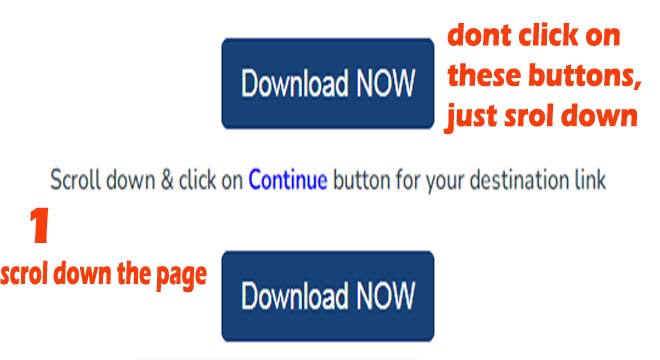
- Now, click on the button “Download” button on the next appearing screen.
- But remember, please don’t click on any other appearing link or a thing like the “Download Now” button above it. Only click on the “Download” button.
- But if the first screen does not open and the second one opens, then just scroll down the page.
3. Click on the “Link Download” Button Or Continue Button
There may be one screen appearing in front of you from below two different screens appears. Which one appeared just follow the steps.

Or maybe appeared below screen instead of above.
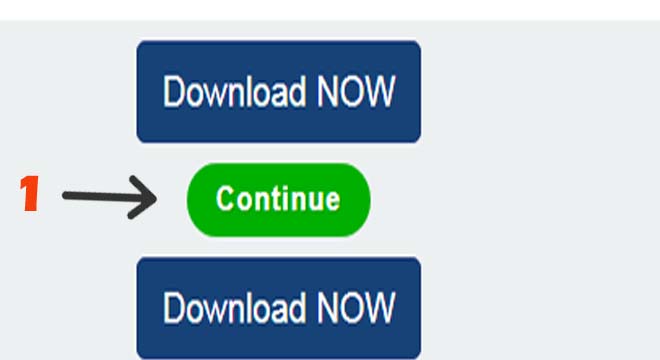
- Now click on the “Link Download” button on the next screen but same don’t click on the “Download Now” button below it.
- It will open the new screen and you have to wait for 10 seconds there for the Download link. If an ad appeared click the close button.
- In case of the second screen appeared, click on the continue button.
4. Click on Get Link Button

- There may be you have to wait for 10 seconds for the link generated.
- Now click on the “get link” button to get the Download file. Sometimes it redirects to another page that is not a file Download page, in that case, again click on the “Get Link” button until you get the Google drive or mega drive link. We don’t share except Google drive, mega drive and our website links.
Finally, Download the File of Google Drive or Mega Drive
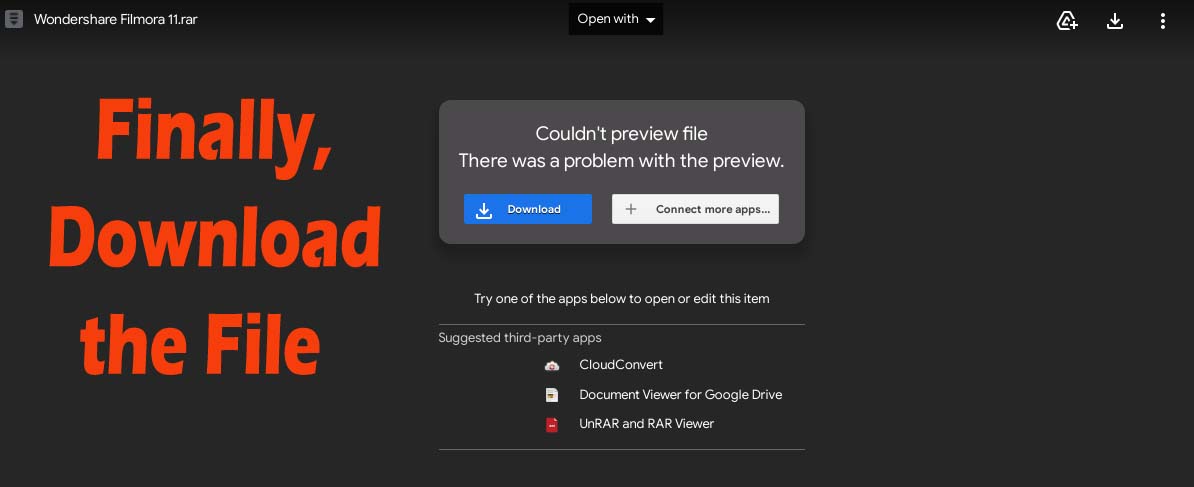
- Download the file to your computer or laptop. Enjoy.
- If you have still misunderstood, kindly, click here to see the screen shoot to Download the file.
Hope you have successfully Downloaded the file to your computer. We are very thankful to you to come on the website. Must share the post with your friends that you like.
You may also like on the website:
Blogging and Tips on Techno Hadayat.
WordPress Tips on Techno Hadayat.
Wedding Video Editing Tips on Techno Hadayat.
Health Tips on Techno Hadayat.
Daily News Tips on Techno Hadayat.
Personal Finance Tips on Techno Hadayat.
Software for PCs.
Tips and Tricks on Techno Hadayat