Amazon wholesale Course: How to list a product on Amazon and sent it to the fulfillment center?
List a product on Amazon is the today topic of our article. Amazon is the world’s largest online marketplace and as a seller, listing your products on Amazon can be an excellent way to reach a wide audience and grow your business.
But it can be difficult to list a product on Amazon and ship it to a fulfillment center. How to list a product on Amazon and ship it to a fulfillment center is explained in detail here.
How to list a product on Amazon and sent it to the fulfillment center
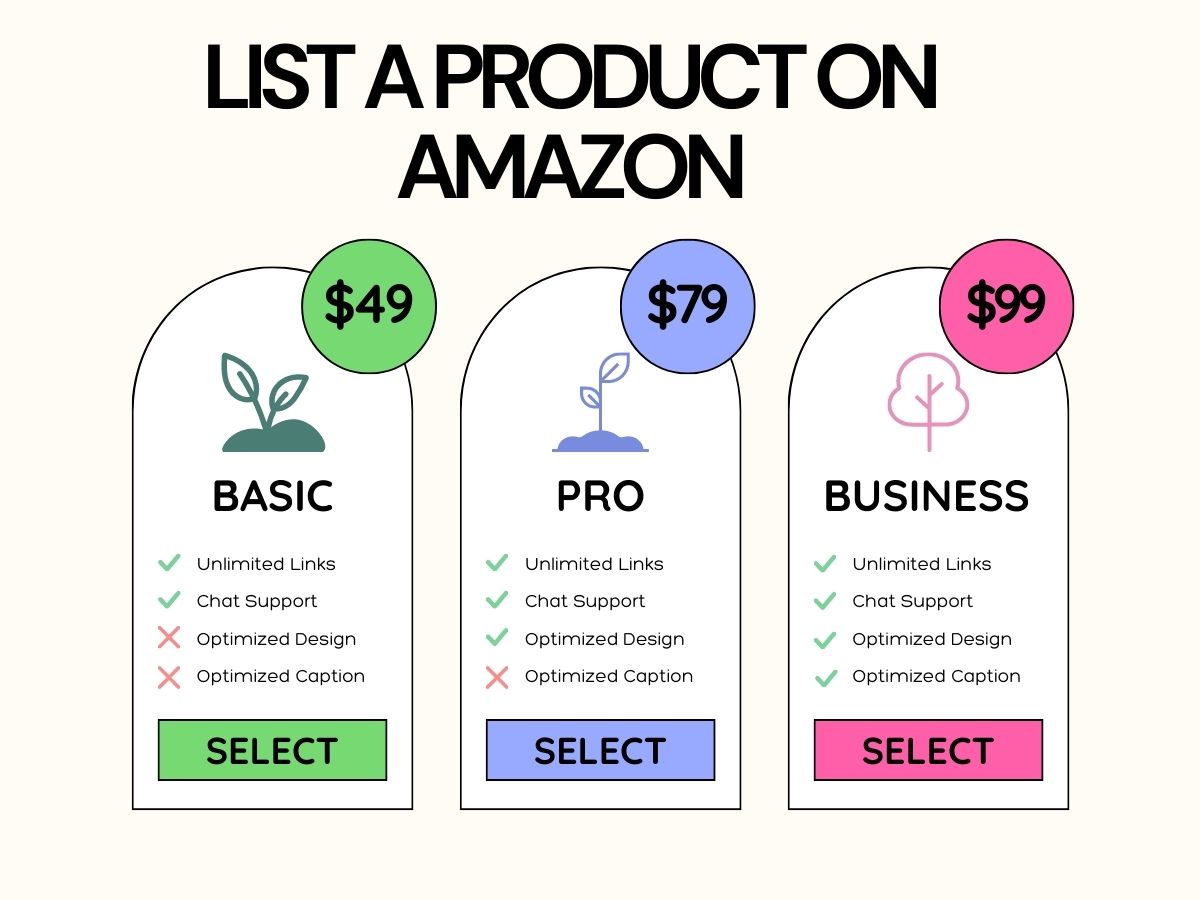
Now you will learn about List a product on Amazon. We Techno Hadayat provide you full course of amazon whole sale that you can take a benefit from the great opportunity by seeking the full course as free. Our aim is to provide you high quality information about digital marketing that provide you good future and solve your issues to come on our website. Lets start to learn about how to List a product on Amazon step by step.
Step 1: Create an Amazon Seller Account
Making an Amazon seller account is the first step in selling on the website. To do this you will have to go to the Amazon Seller Central website and follow the sign-up procedures. You will be required to enter your basic information about your company such as your name, business address and contact information throughout the sign-up process.
Step 2: List Your Product on Amazon
When you have created your Amazon seller account, the next step is to list your product on Amazon. To do this to List a product on Amazon, you will need to provide full detailed description of your product including its title, brand, price andyour business images. You will also need to provide your basics information about the quantity of your product that you have available as well as any shipping and fulfillment options you offer.
Step 3: Choose Amazon Fulfillment
When you have listed your product on Amazon then you will go to the next step for the List a product on Amazon. You can use Amazon’s fulfillment services to ship your product to your customers. Amazon offers you two types of fulfillment serviceswhich are the Fulfillment by AmazonFBA and Seller-Fulfilled Prime SFP.
FBA is Amazon’s full-service fulfillment option to List a product on Amazon which means that Amazon will store your products in your warehouses and pack and ship your orders and handle customer service and returns. With FBA, you can also take advantage of Amazon Prime shipping which can help you to increase your sales.

SFP on the other hand allows you to fulfill orders yourself while still offering Amazon Prime shipping. With SFP, you will need to meet specific requirements including shipping orders within two days and offering free shipping.
Step 4: Ship Your Inventory to Amazon
The next step is to send your inventory to an Amazon fulfillment center after selecting a fulfillment option to list a product on Amazon. You must enter the number, kindand destination fulfillment center of the products you are shipping into a shipment plan in your Amazon seller account.
Amazon provides guidelines for preparing and labeling your products for shipment which you will need to follow to ensure that your products are received and processed correctly.
Step 5: Track Your Shipment and Sales
When your products are received at the Amazon fulfillment center.You can track the status of your shipment and monitor your sales through your Amazon seller account. Amazon will provide you an regular updates on status of your shipment including when it has been received and when it is ready for sale.
Listing a Product on Amazon Vendor Central
If you are a vendor rather than a seller then you can use Amazon Vendor Central option to list your products on Amazon. Unlike Seller Central, Vendor Central is an invite-only platform that allows you, manufacturers and distributors to sell their products directly to Amazon.
To list a product on Amazon Vendor Central, you will need to first receive an invitation from Amazon. Once you have been invited for the program then you can create a Vendor Central account and list your products directly with Amazon.
Difference between Amazon Vendor and Seller Central
The main difference between Amazon Vendor and Seller Central is the type of seller that each platform is designed for. Seller Central is designed for individual sellers and small businesses who want to sell their products directly to customers on Amazon. Vendor Central on the other hand is designed for manufacturers and distributors who want to sell their products directly to Amazon who then sells the products to customers.
3 Steps to Get the Product to Amazon’s Warehouses
The three main steps to get your product to Amazon’s warehouses are as follows.
- Prepare your products for shipment: Before sending your products to an Amazon fulfillment center, you need to make sure that you are properly packaged and labeled the product to List a product on Amazon. You will have to follow Amazon’s guidelines for packaging and labeling to list a product on Amazon to ensure that your products are received and processed correctly.
- Create a shipment plan: After preparing your products for shipment, you will need to create a shipment plan in your Amazon seller account. This will include information about the quantity and type of your products that you are sending as well as the destination fulfillment center.
- Ship your products to Amazon: When you have created your shipment plan then you can ship your products to an Amazon fulfillment center. You can use Amazon’s discounted shipping rates to send your products to the fulfillment center and you can use your own shipping provider also.
When your products arrive at the Amazon fulfillment center then Amazon will receive, process and store them until they are sold. When an order is placed by anyone on your store then Amazon will pick the order and pack and ship the product to your customer.
Conclusion
A product’s listing on Amazon and delivery to a fulfillment center might be a challenging procedurebut it can also be a terrific opportunity to expand your customer base and develop your company. You can sell your products on Amazon, use Amazon’s fulfillment servicesand swiftly and effectively get your products into the hands of buyers by following the above-described processes.
You may leverage the power of one of the biggest online marketplaces to expand your business and boost sales, whether you decide to sell on Amazon through Seller Central, Vendor Central or Amazon’s fulfillment services.
You may join us on Social Media:
- Join us on our Facebook page:
- Join us on our Pinterest Page:
- Join Us on our Youtube Channel:
You may also like: