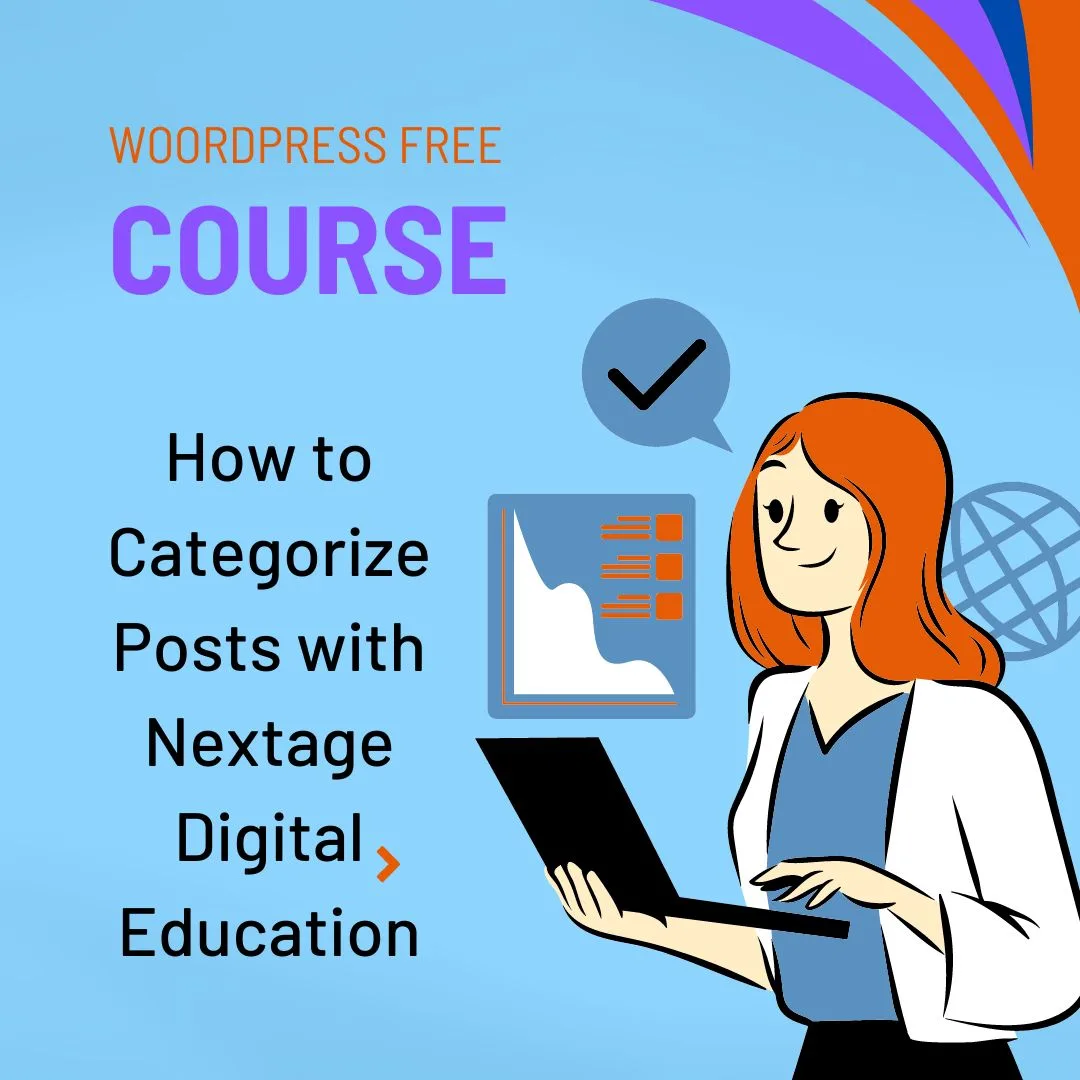
WordPress Basics: How to Categorize Posts with Techno Hadayat Education
Categorize Posts: Everyone is welcome! We have been traveling quite a bit with our website creation and today, we are delving into the world of blogging If you have been following along, you know there’s always more to discover, so let’s dive right in here to Categorize Posts.
WordPress stands as a powerhouse for web design and offering you a wide range of features and services. Chief among these is the ability to effectively parse words to organize content and enhance the user experience.
With Techno Hadayat Education’s Comprehensive WordPress course and class Categorize Posts today, you can master the art of categorizing content to create easy navigation and provide you a seamless browsing experience for your audience. In this Categorize Posts guide class, we will explore the importance of post segmentation, explore its benefits and provide you step-by-step guidance on how to effectively segment your posts.
How to Categorize Posts with Techno Hadayat Education
You have to Understanding the Significance of Post Categorization first. Post categorization plays a very pivotal role in content organization and website navigation.
- Enhance User Experience: Categorized posts make it easier for your visitors to navigate your website and find content that interests them. Your Users can explore specific topics or themes without sifting through unrelated posts, resulting in a more intuitive and enjoyable browsing experience.
- Improve Site Structure: Categorizing posts helps you to create a logical and structured hierarchy for your content. By grouping related posts under distinct categories, you establish a clear framework that guides your users through your website and facilitates content discovery.
- Boost SEO Performance: Search engines value well-organized websites with clear content hierarchies. By categorizing your posts, you signal to search engines the relevance and coherence of your content which can positively impact your website’s search engine rankings and visibility.
- Facilitate Content Management: Categorize Posts simplifies your content management tasks such as editing, updating and archiving. You can quickly locate and manage your posts within specific categories, making it easier to maintain and grow your website over time.
Steps to Categorize Posts with Techno Hadayat Education:
Now that we understand the importance of content segmentation, let’s explore how to effectively segment content with Techno Hadayat Education’s WordPress course:
Step 1: Login to WordPress Dashboard :
Login to your WordPress dashboard using your credentials. Once logged in, go to the “Posts” section of the sidebar menu and click on “All Posts.” This will display all the posts on your WordPress website.
Step 2: Create a new category:
Before categorizing content, you need to create groups that correspond to your topics or topics. To do this, click on “Categories” under the “Posts” section in the sidebar menu.

Step 3: Assign Categories to Posts:
With your categories in place, you can now assign them to individual posts. To categorize posts, place the post you want to categorize in the Posts list and hover over it with the cursor. Click on the “Edit” option found under the post title. This will open the post editor screen.
Step 4: Select Categories:
In the post editor screen, locate the “Categories” meta box on the right. Here, you will find a list of available courses, including the previous courses. Check the box next to the category where you want to assign the password. If a post falls into more than one topic, you can choose multiple categories.
Step 5: Save changes:
After selecting the appropriate categories, scroll down to the bottom of the post editor screen and click the “Update” button to save your changes. WordPress will then categorize content accordingly and make it accessible under selected categories on your website.
Step 6: Manage Categories:
Go back to the Categories screen under the “Posts” section and manage your categories. Here, you can view all existing groups, edit their names, slugs, descriptions and parent groups and delete the category if necessary. Review and update your groups regularly to ensure they align with your content strategy and audience interests.
Integration of media rooms
Let’s kick things off by adding our “Newsroom” to our website navigation. It’s a breeze, trust me. We go to the menu section and just add a new page. In one fell swoop, our “blog” page is now part of our site’s menu, completing the main navigation of our site.
To understand the importance of blogging
Well, let me tell you, understanding how you work with a blog can be invaluable. Even if you don’t have the faith right now, you might want to start one down the road. So, let’s put the basics together.
Classifying your blog posts
Today we are focusing on Categorize Posts on our blog posts. It’s a simple processbut it adds important structure to your content. Going back to the dashboard and clicking “Categories” under “Posts” gets us started. Now we can create categories like “News”, “Features”, “Press Releases”. It’s like organizing your furniture—everything in one place.
Simplifying guidance
Once we have our classes, let’s make them accessible to our guests. Adding it to our website menus is a fantastic way for your users to navigate our content with ease. For that extra nice touch, we can also create their submenu items. Then, when visitors search for our “blog” section, they see all the categories neatly organized, ready to search.
conclusion:
Content segmentation is an important feature of WordPress website management, providing many benefits for website owners and visitors. With the Techno Hadayat Education WordPress course class about Categorize Posts today, you can learn how to properly categorize content to enhance user experience, improve site design, boost SEO performance and optimize content usage using guidelines on following these instructions -you are ready to install your items accurately and discreetly.
What’s Next?
That’s Categorize Posts for today! In our next installment, we will tackle comments and delve into some design tweaks to make our blog truly shine. So stay tunedand let’s continue mastering the art of blogging together!
Join us on Social Media Platforms:
- Join us on the Facebook page:
- Join Us on the Linkden Page:
Guess Papers Of English Ba Associate Degree Notes
Gulab Devi Educational Complex Merit List
Hamza Shahbaz Chief Minister Of Punjab
Hec Hat Test Roll No Slip
Homeowner Insurance
How To Apply To Quaid E Azam University
Ihra Jobs Islamabad Healthcare Regulatory Authority Jobs
Imtiaz Mall Jobs Super Market Jobs
Imtiaz Shahid Ppsc Book 48Th Edition