Best Crypto Course: How to do paper trading in trading view?
Paper Trading in trading view Class-21: Welcome to again in the next crypto class of paper trading in trading view. Paper trading is a valuable practice tool for all of you as crypto traders to test your strategies, gain experience and build confidence without risking real money. TradingView, a popular charting and analysis platform, offers a paper trading feature that allows you to simulate your trades and track your performance.
In this paper trading in trading view article, we will explore how to do paper trading in TradingView and provide you with a comprehensive step-by-step guide to help you to get started. You will be able to know the full information about paper trading in trading view at the end of this article.
Paper Trading in TradingView with A Step-by-Step Guide
Paper Trading which is also known as virtual trading or simulated trading, enables you to execute your trades using virtual funds, replicating the real trading environment without financial risk. TradingView’s paper trading feature allows you to practice your trading strategies, analyze market movements and assess your performance in a risk-free manner.
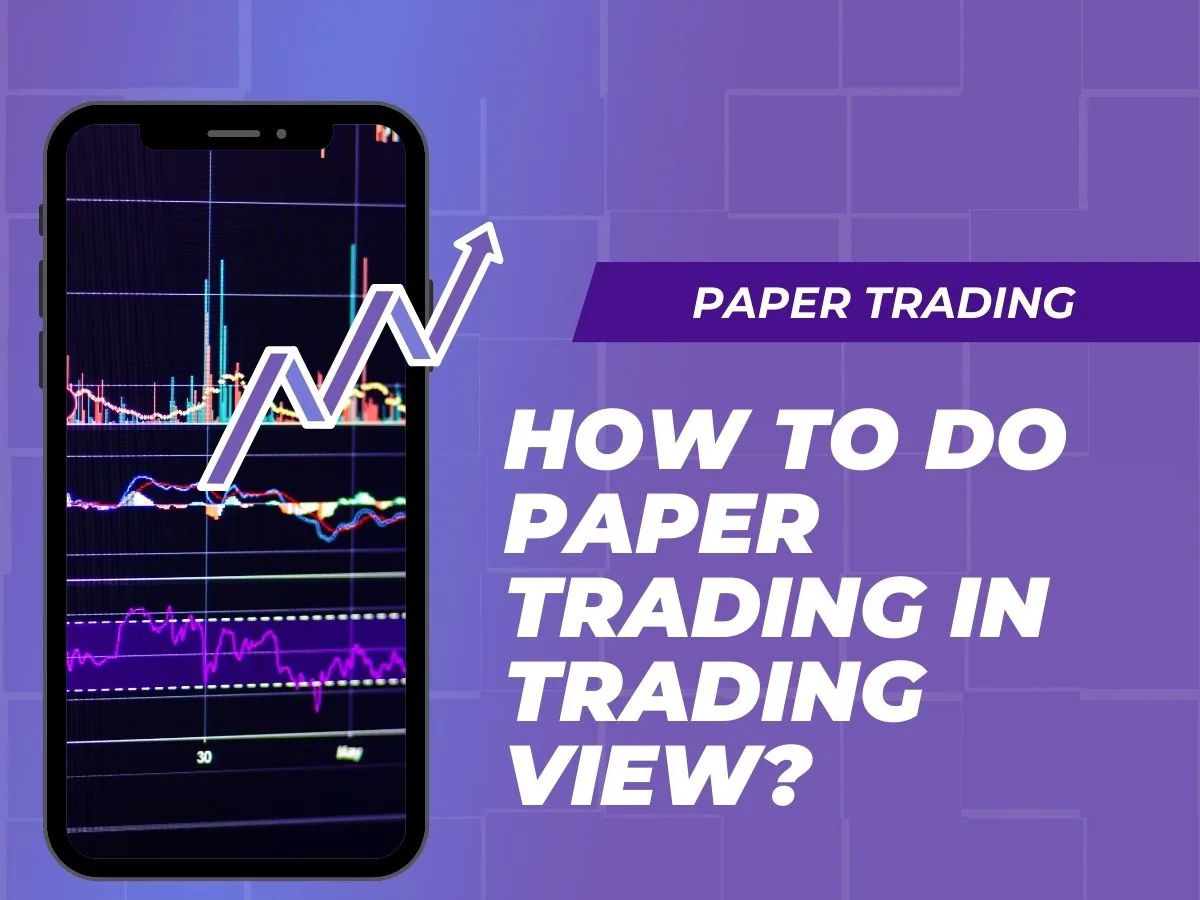
Methods to do paper trading in trading view
In TradingView, there are a few methods available that you can employ to simulate paper-trading and practice your trading strategies without risking real money. Here are three common methods to do paper-trading in TradingView. Let’s explore these methods to find out the best.
- Using the Trading Panel: TradingView offers you a built-in trading panel that allows you to execute paper trades. To access the trading panel, click on the “Trading Panel” icon located on the left sidebar. Within the trading panel, you can select the desired trading pair or instrument, choose the order type (market order, limit order, etc.), specify the quantityand execute the trade. By using the paper trading mode or a simulated trading account, the trades will be executed using virtual funds, mimicking the real trading experience.
- Manual Trade Simulation: Another method of paper-trading in TradingView involves manually simulating trades by analyzing the charts and keeping track of your paper trades separately. In this method of paper-trading, you do not execute trades directly within TradingView. Instead, you can use the charting tools and indicators available on TradingView to perform technical analysis and make hypothetical trade decisions. Keep a record of your trade entries, exits and trade management decisions to evaluate your performance and track the success of your strategies.
- Backtesting: TradingView also provides a powerful backtesting feature that allows you to test your trading strategies against historical price data. With backtesting, you can apply your trading strategy to historical charts and see how it would have performed over a specified period. This method enables you to assess the profitability and effectiveness of your strategy without executing any real-time trades. Utilize TradingView’s backtesting capabilities to fine-tune your strategies, analyze performance metricsand identify potential improvements.
Regardless of the method you choose, paper trading in TradingView allows you to practice trading strategies, assess your performance and gain confidence in your trading abilities. Whether you prefer using the trading panel, manual trade simulationor backtesting, TradingView provides the tools necessary to simulate trades and refine your trading skills in a risk-free environment.
Accessing TradingView
To begin paper-trading on TradingView, visit the TradingView website (https://www.tradingview.com/) and create an account. If you already have a Binance account on the platform, you just need to log in to access the account on the platform.
Navigating the TradingView Interface
Once logged in, familiarize yourself with the TradingView interface. Explore the charting tools, indicators and other features available. Locate the trading panelwhich contains various order types and options for paper trading.

Enabling Paper Trading Mode
To activate the paper-trading mode, click on the “Trading Panel” icon located on the left sidebar. This will open the trading panel. Within the trading panel, locate the “Account” section and select the paper-trading mode or a simulated trading account.
Setting Up Your Paper Trading Account
If you haven’t set up your paper-trading account, follow the instructions provided by TradingView to create one. This account will have virtual funds that you can use for paper trading.
Placing Paper Trades
With your paper-trading account set up, you can now start placing paper trades. Select the trading pair or instrument you want to trade and open the trading panel. Choose the desired order type (e.g., market order, limit order) and specify the quantity of the asset you wish to trade. Review the trade details and click on the “Buy” or “Sell” button to execute your paper-trading.
Monitoring Your Paper Trades
After placing paper trades, monitor your progress and performance. You can view your open positions, track profit or loss and analyze the charts to evaluate the effectiveness of your trading strategies. Use TradingView’s charting tools and indicators to perform technical analysis and make informed decisions.
Analyzing Paper Trading Performance
Regularly review your paper-trading performance to assess the success of your strategies. Evaluate factors such as win rate, risk-reward ratio and overall profitability. Identify areas for improvement and refine your trading approach based on the insights gained from paper trading.
Experimenting with Different Strategies
Paper trading provides you with an excellent opportunity to experiment with various trading strategies. Test different approaches, explore new indicators and refine your trading techniques without the fear of losing real money. This process allows you to develop and fine-tune strategies that align with your trading goals.
Transitioning to Live Trading
Once you have gained confidence and consistency in your paper trading results, you may consider transitioning to live trading with real funds. However, it’s crucial to approach live trading cautiously and start with smaller positions until you are comfortable with the transition.
Conclusion
Paper trading in TradingView offers a risk-free environment for you to practice, refine your strategies and gain confidence in your trading skills. By following the step-by-step guide outlined above, you can easily set up a paper trading account, place paper trades, monitor performance and analyze your trading results. Utilize TradingView’s charting tools and indicators to enhance your technical analysis. Remember, paper trading serves as a valuable stepping stone towards successful live trading, providing the foundation for informed decision-making and improved trading performance.
Watch Our Video Class on How to do paper trading in trading view
You may join us on Social Media:
- Join us on our Facebook page:
- Join us on our Pinterest Page:
- Join Us on our Youtube Channel:
You may also like:
Best Crypto Course: How do you start a technical analysis of cryptocurrency?
Staking Crypto: What crypto exchanges allow staking and Can you stake crypto off exchange?
Best Crypto Course: How to use EMA Indicator and What is the best setting for EMA indicator?