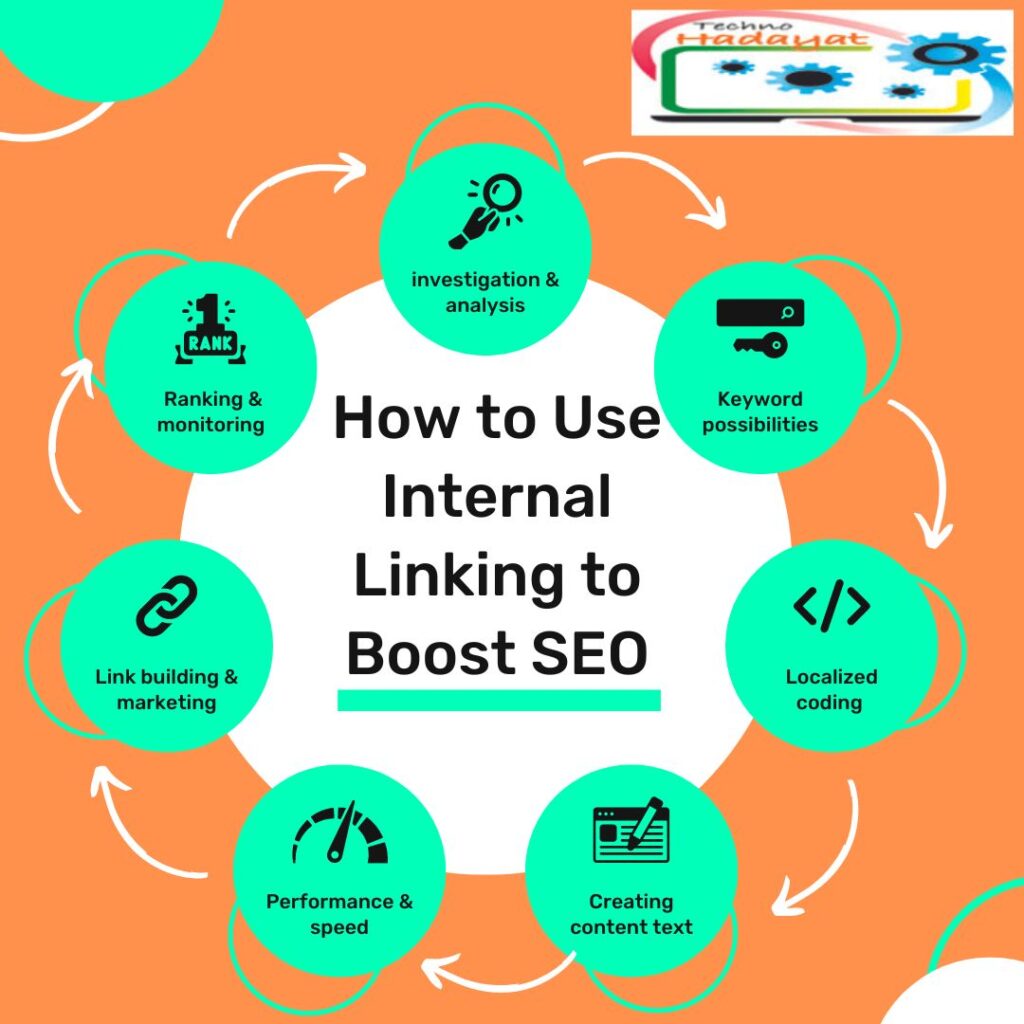
How to Use Internal Linking to Boost SEO
Internal linking is a powerful SEO strategy that often goes overlooked. When done correctly, internal linking can significantly improve your website’s search engine optimization (SEO) by enhancing crawlability, distributing link equityand improving user experience.
In this comprehensive guide, we’ll explore how to use internal linking to boost your SEO and drive more organic traffic to your website.
Understanding Internal Linking and Its Importance
Internal linking refers to the practice of linking one page of a website to another page within the same website. These links help search engines discover and index content, establish site hierarchy and structureand distribute link equity throughout the website. Additionally, internal links provide users with a clear path to navigate your website, leading to improved user experience and engagement.
Key Benefits of Internal Linking for SEO
Before diving into how to use internal linking effectively, let’s explore some of the key benefits it offers for SEO:
1. Improved Crawability
Internal links provide search engine crawlers with paths to discover and index content on your website. By strategically linking pages together, you ensure that all pages are accessible to search engines, leading to better crawlability and indexation.
2. Enhanced Site Structure
Internal linking helps establish a logical hierarchy and structure for your website. By linking related pages together, you create a cohesive framework that makes it easier for users and search engines to navigate your site and understand its content.
3. Distributing Link Equity
Internal links pass link equity (also known as “link juice”) from one page to another within the same domain. By strategically placing internal links on high-authority pages, you can distribute link equity throughout your website, boosting the visibility and ranking potential of important pages.

4. Improved User Experience
Internal linking provides users with additional pathways to explore your website, leading to improved user experience and engagement. By guiding users to related and relevant content, you increase the likelihood of retaining visitors and encouraging them to spend more time on your site.
How to Use Internal Linking Effectively
Now that we understand the importance of internal linking for SEO, let’s explore some strategies for using internal linking effectively:
1. Create a Logical Site Structure
Before implementing internal links, it’s essential to establish a logical site structure. Organize your content into categories and subcategoriesand create a hierarchy that reflects the relationship between different pages. This makes it easier for both users and search engines to navigate your site and find relevant content.
2. Use Descriptive Anchor Text
Anchor text refers to the clickable text of a hyperlink. When creating internal links, use descriptive anchor text that accurately describes the linked page’s content. Avoid generic phrases like “click here” or “read more” and instead use keywords or descriptive phrases that provide context to both users and search engines.
3. Link to Relevant and Related Content
When adding internal links, prioritize relevance and context. Link to pages that are closely related to the content of the linking page, as this provides users with additional information and enhances their overall experience. Avoid linking to unrelated or irrelevant content, as this can confuse users and dilute the value of your internal links.
4. Use a Variety of Link Types
There are several types of internal links you can use to enhance your SEO strategy:
- Navigation Links: Links in your website’s navigation menu that provide access to important pages.
- Contextual Links: Links within the body of your content that point to related pages or resources.
- Footer Links: Links in the footer of your website that provide access to important pages or sections.
- Breadcrumb Links: Links that show the hierarchical structure of a website and help users navigate back to previous pages.
5. Optimize Your Homepage and Main Navigation
Your homepage and main navigation menu are prime locations for internal links. Use these areas to link to important pages and sections of your website, such as product pages, category pagesand resource hubs. This ensures that these pages receive a steady flow of link equity and helps users find the most relevant content quickly.
6. Use Internal Links to Guide Users through the Sales Funnel
If your website has a sales funnel or conversion path, use internal links to guide users through each stage of the funnel. Link from informational blog posts to product pages, from product pages to checkout pagesand from checkout pages to thank you pages. This helps streamline the user journey and increases the likelihood of conversion.
7. Monitor and Optimize Internal Links Regularly
Regularly monitor your website’s internal links using tools like Google Search Console or third-party SEO tools. Identify opportunities to add new internal links, update anchor textor remove broken links. By keeping your internal linking strategy up-to-date, you ensure that your website continues to provide value to both users and search engines.
Conclusion
Internal linking is a powerful SEO strategy that can significantly improve your website’s search engine visibility, crawlabilityand user experience. By creating a logical site structure, using descriptive anchor text, linking to relevant contentand optimizing your homepage and main navigation, you can leverage internal linking to boost your SEO and drive more organic traffic to your website. By implementing these strategies consistently and monitoring your internal links regularly, you can improve your website’s ranking potential and achieve long-term SEO success.
You May Also Join Us On:
- You can Join Our Facebook Page for Daily Updates:
- Follow Us on Google News to get Daily Updates:
- Follow Us on Instagram for daily Updates:
- Follow Us on Pinterest to get daily Updates:
- Join Us on Twitter to get daily Updates:
You may also like: