What is a computer’s TPM?
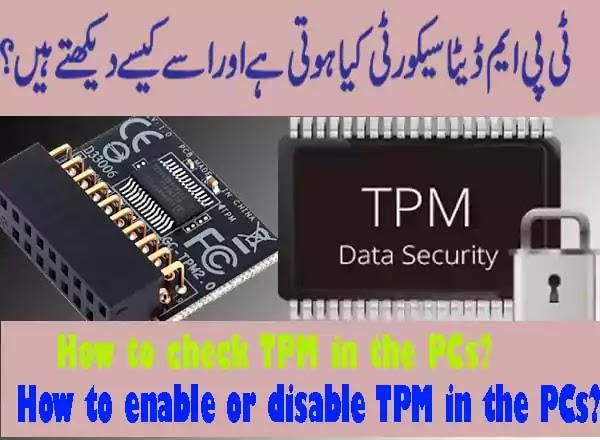
computer’s TPM stands for Trusted Platform Module. This is a microcontroller chip that stored the data in it to authenticate or access the system. Know that these artifacts may include the system’s passwords, certificatesand encryption or decryption keys.
A TPM has steps to authentication a process and platform to help that this is trustworthy and if any loss occur it is claimable. This work and ensure to work in a safe environment. Trusted modules can also be used in computing devices like PCsand others also like mobile phones and network equipment. Microsoft provides more security in the shape of windows 11 to activate the computer’s TPM.
The new version today, nearly has this chip in the system but the eldest system from 10 years ago may be possible to not have this option. You may check easily in your system that your system has a TPM chip or not.
computer’s TPM
In simple words, TPM is the data security of your system. It does not allow others and their system to enter into your system and try to hack your system and theft your data. It is hardware-based security that encrypts and decrypts your all passwords in a safe environment. If you see the technology environment in the world, it is the requirement of time to secure your credentials through hardware.
Now the question is that whether every system today has the TPM? The answer is nowhich means today’s system which is coming with this advanced technology has the hardware of computer’s TPM technology but if you see the ten years previous system, they have not such facility of TPM hardware. Now, if you had a big organization, you have to purchase advanced computers which have the TPM for your data security. Let’s see the TPM data security in your system.
How to check computer’s TPM on the PCs?
There is a two way to check your system computer’s TPM. TPM may be checked in windows as well as in the BIOS system at the time of startup. To check the availability of TPM in your system and BIOS, follow the steps.
- Press Windows key+R from your keyboard to run the run command.
- Type tpm.msc in the opened run command and press enter.
- The opened screen will show you if you have TPM or not. If your system has TPM hardware then in opened screen you will see the option to activate the TPM. This is off or deactivates by default but you can enable it by clicking enable on opened screen. If you click on enable then your PC will restart and bios options will confirm you to enable the computer’s TPM.
- If you want to check your TPM in the BIOS system, start your PC, press F2 for BIOS settings. See the TPM in the security sections, if the option is available then you have the TPM otherwise vice versa. Previous systems have TPM 1.0 by default, you may enable it by clicking enable.
How to enable or disable computer’s TPM in the PCs?
- You may enable it to go in the Bios options by press the F2 key or according to your system. But this is the best procedure to check and enable at one place. You may check and enable TPM from BIOS in Security Tab. go to the security tab of the bios system, check the TPM version. This is deactivated by default and you have to activate it if you found tpm there.
- You may enable it in windows as well but by enable this, the system will restart and will ask you to enable it in BIOS automatically. You just say yes or enable it, it will enable now.
Watch the Video Tutorial check computer’s TPM in your System.
How to Fix Can’t Print on Ms Excel issue on windows

You May Also Join Us On:
- You can Join Our Facebook Page for Daily Updates:
- Follow Us on Google News to get Daily Updates:
- Follow Us on Instagram for daily Updates:
- Follow Us on Pinterest to get daily Updates:
- Join Us on Twitter to get daily Updates:
You may also like: